Category: Uncategorized

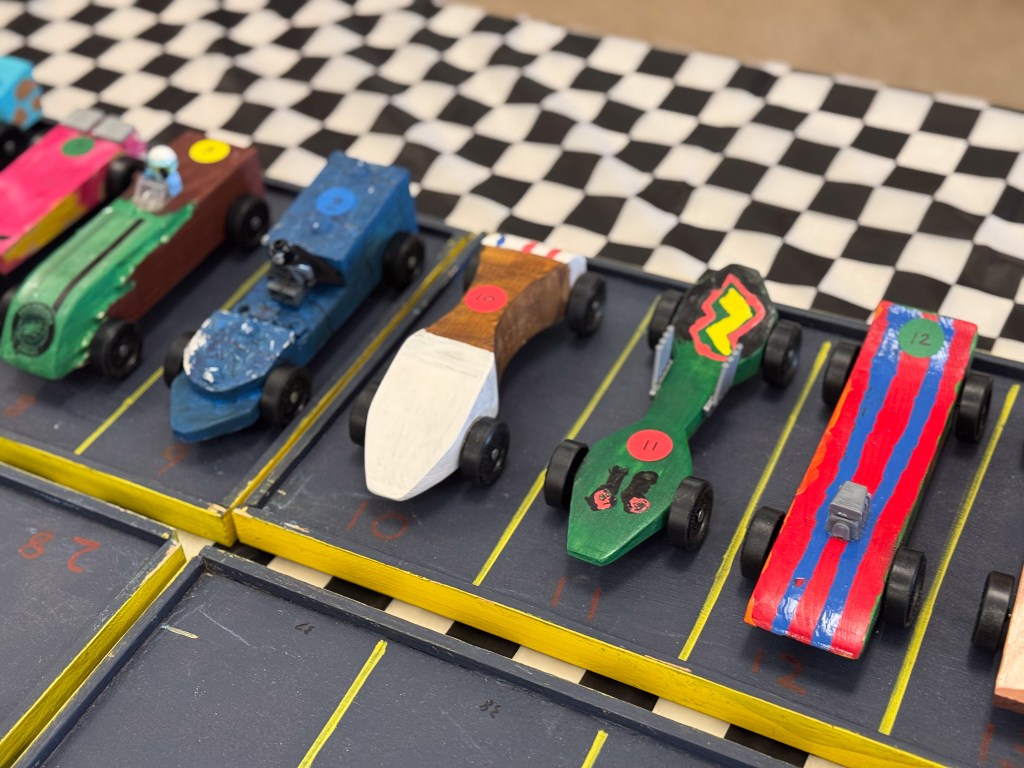
  • Pinewood Derby Setup

    Pinewood Derby Setup

    Room Setup

    With a crew of 5, the room setup takes about 90 minutes.  Getting the race timers and computer synchronized takes another 30-60 minutes, but the full crew doesn’t need to stay for that part.  

    Bring the following supplies with you:

    – Duct tape
    – 50’ extension cord
    – Level
    – Wood shims
    – Plastic table cloths
    – Race computer
    – Serial to USB adapter & driver
    – Power strip for race control table
    – Projector
    – Tools for pit area
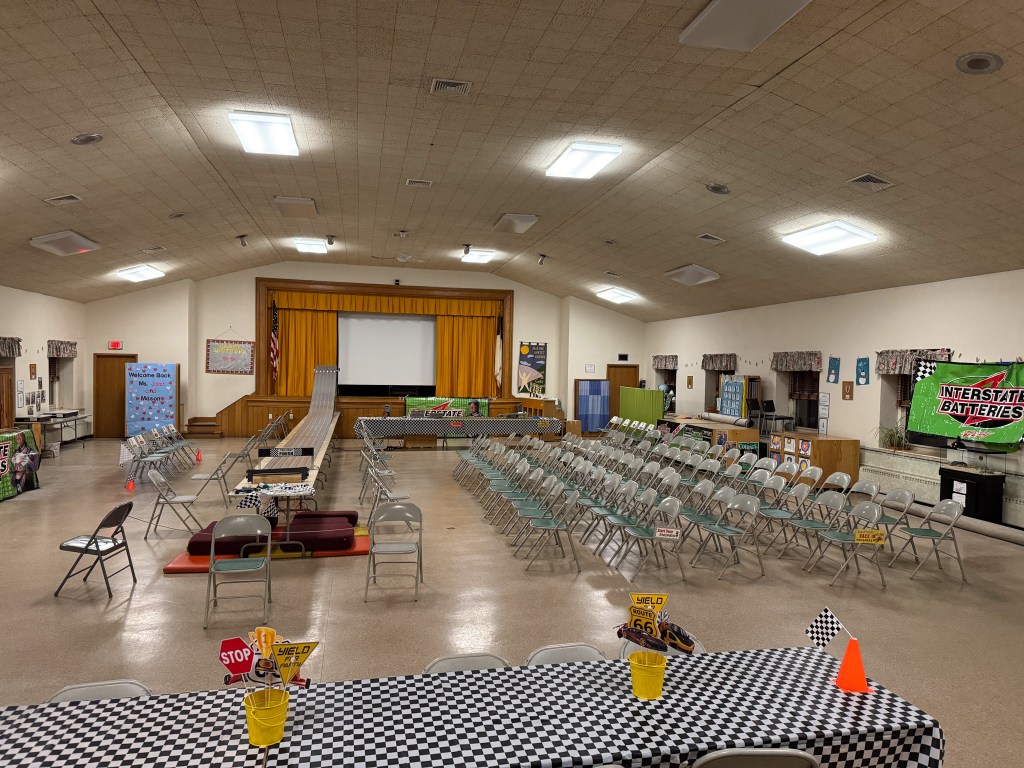
    Room after successful setup
    • Photo-document the room configuration prior to beginning setup, this will help you get the room put back together properly after the race.
    • Move all UPCCC materials to the side of the room. Roll up rugs and block access to toys (e.g. the bucket of legos). We don’t want anyone to damage or break anything.
    • Tables, Chairs, the aluminum track, and timers are stored beneath the stage. 
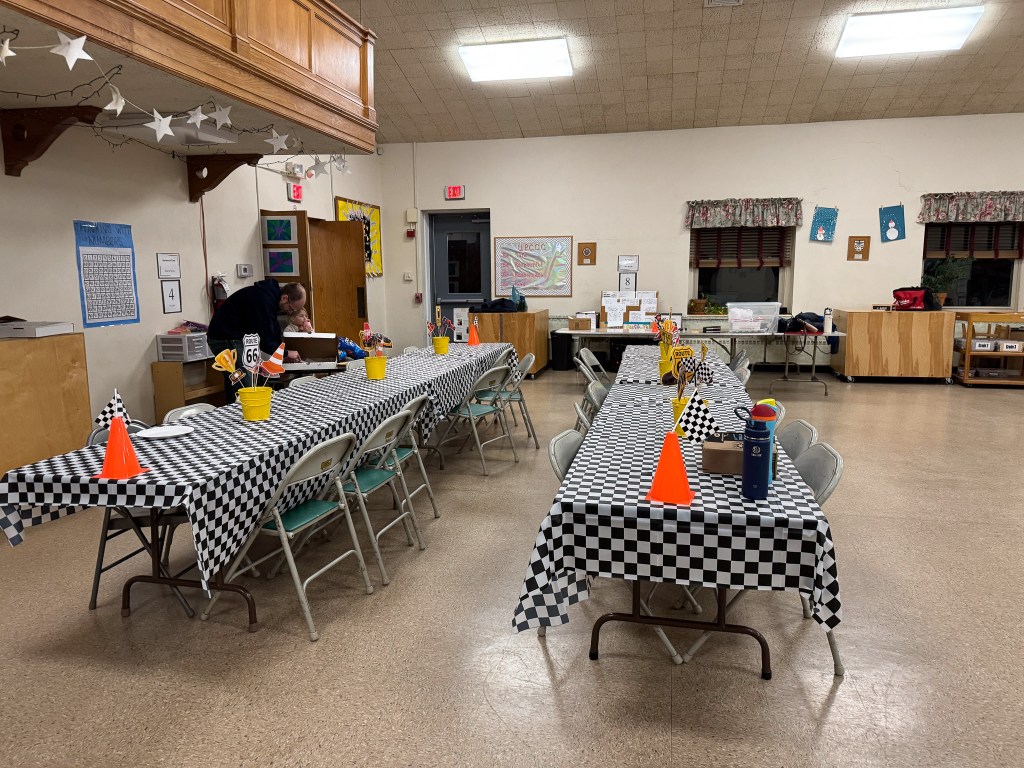
    • Setup tables and chairs according to the chart above.
    • The five tables used for the track should have consistent height and stability – this will reduce the amount of track levelling that is required later on.
    • There are two wooden crates stored under the stage with the track and gear
      • The long crate has all track sections and support brackets.
      • The short crate has the bolts for track, tools for assembly, timing gates, cables for timing signals, track levelling shims, computer software, and various supplies
    • The Pack cabinet contains the scale, inspection jig, and a tin can with old parts for any emergency repairs.  
    • Race computer and projector go up on the front tables.  There is a projection screen above the stage (behind the curtain) that can be pulled down.
    • Three cables will run on the floor for the length of the track. These should be secured to prevent tripping and track damage.
      • Extension cord to power the Timing Gate
      • Serial cable to connect Timing Gate to the Race Computer
      • Timer cable (looks like a phone line) to connect Starting Laser to Timing Gate
    • The cars will be loaded with graphite when they are inspected.  It is a good idea to have plastic tablecloths on the pit table and the inspection table.  This will prevent graphite stains on the church’s tables.

    Track Setup

    • Lay the track sections out sequentially (they are numbered) and connect them while flat on the tables.
    Track after assembly
    • Each joint should be loosened and then tighten down all bolts such that there are no edges sticking out.  Run your finger down the wheel track for each lane – if you feed the track sticking out, then adjustment is needed.
      • If you don’t, a car may hit this bump and get ejected off the track.  If a car is ejected and then breaks upon impact with the floor, you will have a very upset sub scout.
    Track Joint – loosen all bolts to align the track

    Once the track pieces are attached, get helpers and raise the head end of the track.   There is a special bracket and then weights to hold the track in position.  Alternates to using the weights is to use a come-along strap to hold the bracket to the table.

    Track weighted down
    • At the finish end of the track, install the timer gate and the end bumper.  Cars will hit this very hard, so do many test runs to ensure that cars are being stopped without falling off the table.  Use foam or other soft materials to catch the cars.
      • Depending on the speed of the track, the bumpers in the box may not be sufficient.
      • Boys will want to crowd around the end of the track.  It’s a good idea to have a Boy Scout or leader there to keep hands away from the track and to avoid any mishaps.
    Track end timer gate and bumper

    Run the wires for the track timer and power cables back under the tables to avoid a tripping hazard.

    Wiring for track
    • The starting gate can be tricky to install.  There is a track mount (on underside) and then pieces which protrude on either side of the track, below the starting pins, which generate a laser beam.
      • Align the beam to hit the sensor on the side of the black box.
    • Wiring
    • Track Leveling
      • Use a short level to check that the track is even cross-wise.  Check every few feet 
      • Use a long level to check that the track angle is descending or flat from start to end – we don’t want any hills in the track.
      • Use track shims to raise and lower the track until level
      • Do this AFTER the joints have all been checked and tightened
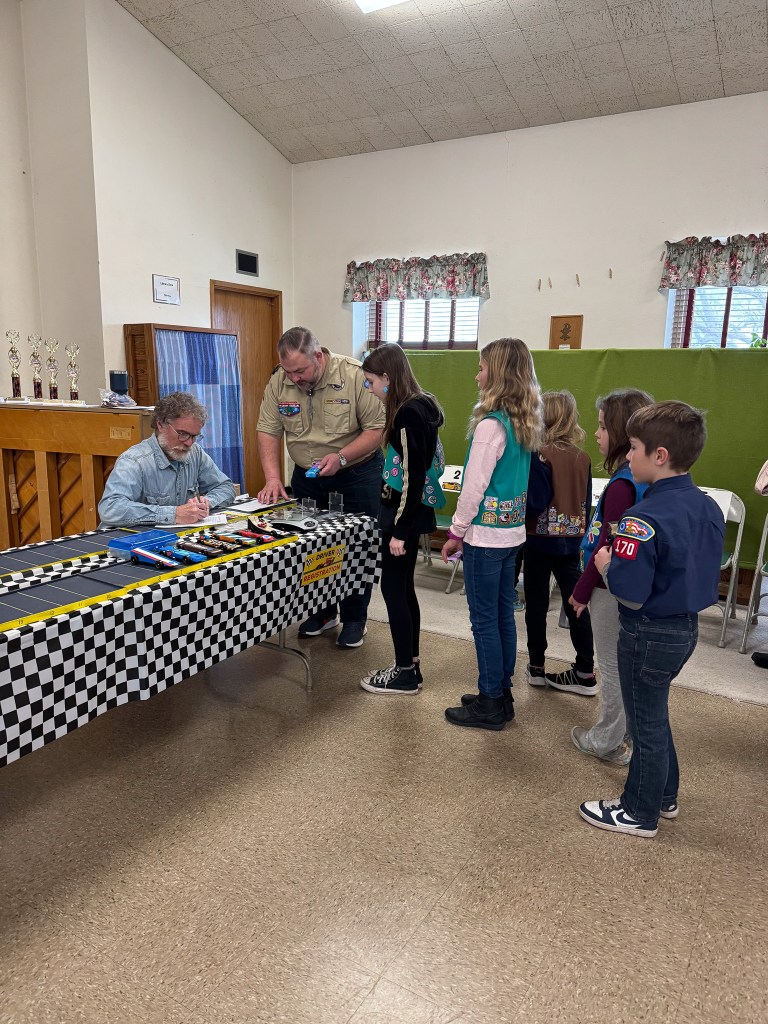
    Registration / Check In area
    Snack Area
    Concessions
  • Youth Protection

    Youth Protection

    Required for all cub scouts

    Each year every cub scout needs to review the Youth Protection activities with their parent(s) or legal guardians. This information can be found on the scouting website at: https://filestore.scouting.org/filestore/pdf/100-014_WEB.pdf

    Protect Yourself Videos

    The protect yourself rules are age / grade appropriate and should be watched at home. Each rank has this as a requirement.